Verified user
Verified buyer
It's great. All codes are working. For the third time. It's clear. Don’t forget to choose the right one in the App Store, I just chose Indonesia. It's cheaper than many subscriptions
 Indonesia
Delivered in 16 seconds, typically · Contact support
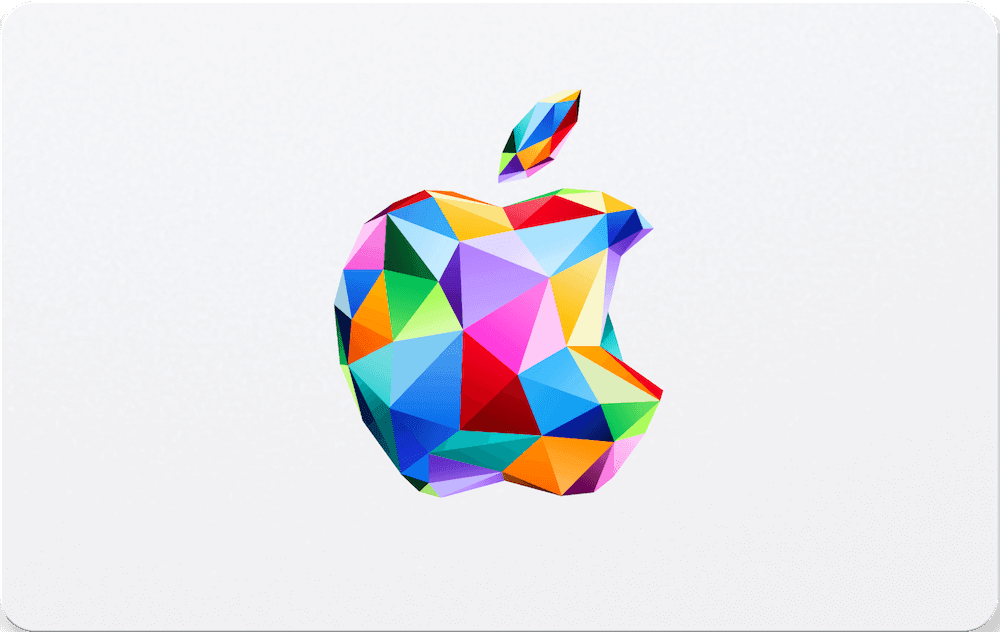
ENGLISH Use the Apple Gift Card to get products, accessories, apps, games, music, films, TV shows and more. Spend it on in-app content, books, subscriptions and even iCloud storage to keep files secure across all your Apple devices. BAHASA Gunakan Apple Gift Card untuk mendapatkan produk, aksesori, app, game, musik, film, acara TV, dan lainnya. Gunakan untuk konten dalam app, buku, langganan, dan bahkan penyimpanan iCloud untuk mengamankan file di semua perangkat Apple Anda.
ENGLISH 1. On iPhone, iPad or iPod: open the App Store on your device. 2. Tap "Today" at the bottom of the screen. 3. Tap the sign-in button or your photo at the top of the screen. 4. Choose "Redeem Gift Card or Code". 5. Enter the gift card code and tap "Redeem". 6. On Mac: open the App Store, sign in or click your profile name, select "Redeem Gift Card", enter the code and click "Redeem". 7. On Windows PC: click the Account button at the top of the iTunes window, click "Redeem", sign in with your Apple ID, enter the code and click "Redeem". 8. On Android: open the Apple Music app, tap the menu button and select "Account", choose "Redeem Gift Card or Code", enter the code and tap "Redeem". BAHASA 1. Di iPhone, iPad, atau iPod: buka App Store di perangkat Anda. 2. Ketuk "Hari Ini" di bagian bawah layar. 3. Ketuk tombol masuk atau foto Anda di bagian atas layar. 4. Pilih "Tukarkan Kartu Hadiah atau Kode". 5. Masukkan kode kartu hadiah dan ketuk "Tukarkan". 6. Di Mac: buka App Store, masuk atau klik nama profil Anda, pilih "Tukarkan Kartu Hadiah", masukkan kode, lalu klik "Tukarkan". 7. Di PC Windows: klik tombol Akun di bagian atas jendela iTunes, klik "Tukarkan", masuk dengan Apple ID Anda, masukkan kode, lalu klik "Tukarkan". 8. Di Android: buka app Apple Music, ketuk tombol menu dan pilih "Akun", pilih "Tukarkan Kartu Hadiah atau Kode", masukkan kode, lalu ketuk "Tukarkan".
ENGLISH Visit www.apple.com/legal/internet-services/itunes/id/terms-en.html BAHASA Kunjungi www.apple.com/legal/internet-services/itunes/id/terms-en.html
Every one of these is from somebody who bought this card and had it delivered.
Verified user
Verified buyer
It's great. All codes are working. For the third time. It's clear. Don’t forget to choose the right one in the App Store, I just chose Indonesia. It's cheaper than many subscriptions